Event Management Portal — Multi-Role Platform with 6 Dashboards
A full-scale event management system supporting 1,000+ registered users across 6 distinct roles, with automated registration workflows, Stripe-powered ticketing, and a granular RBAC architecture — built on React and Laravel.

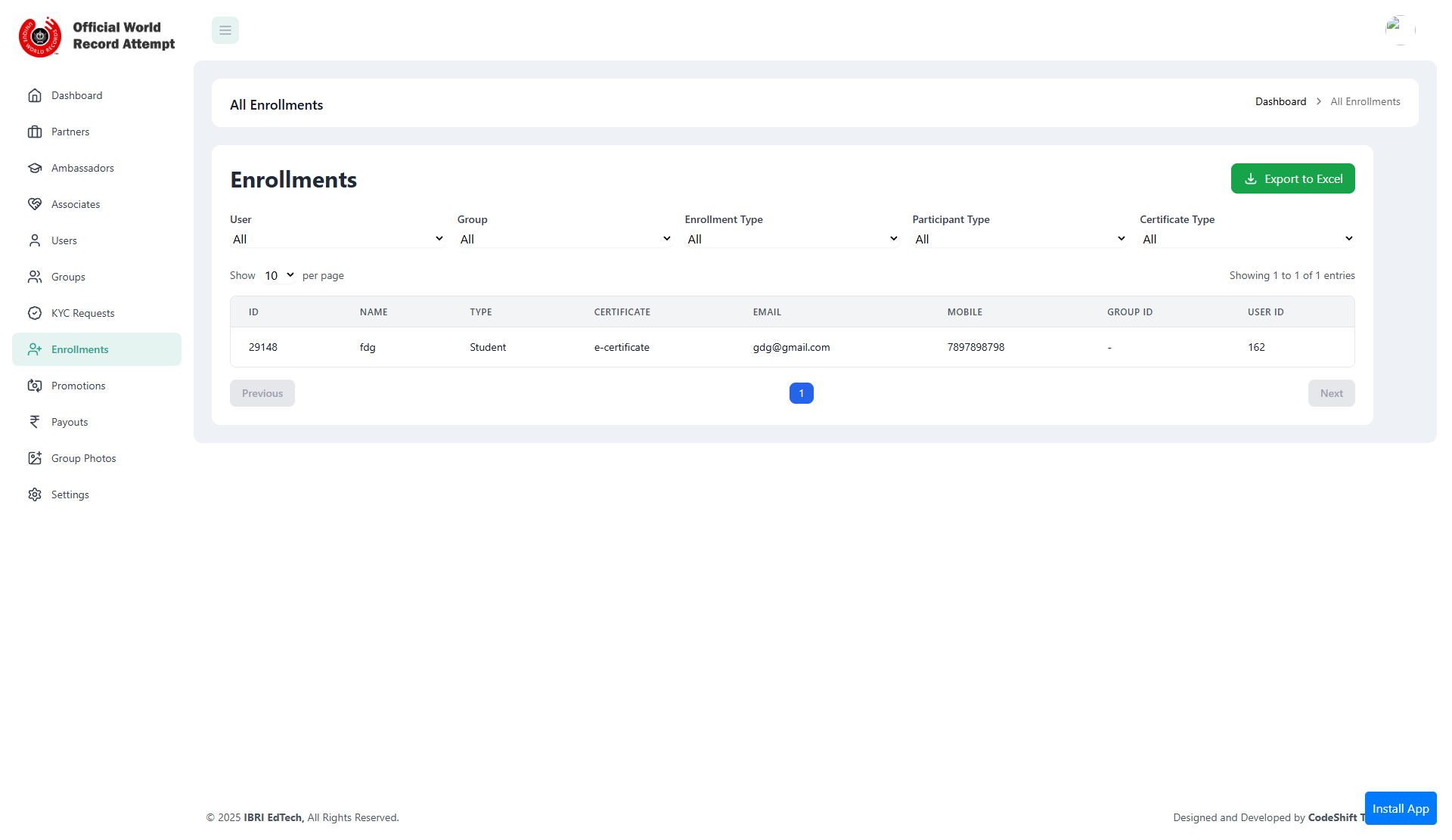
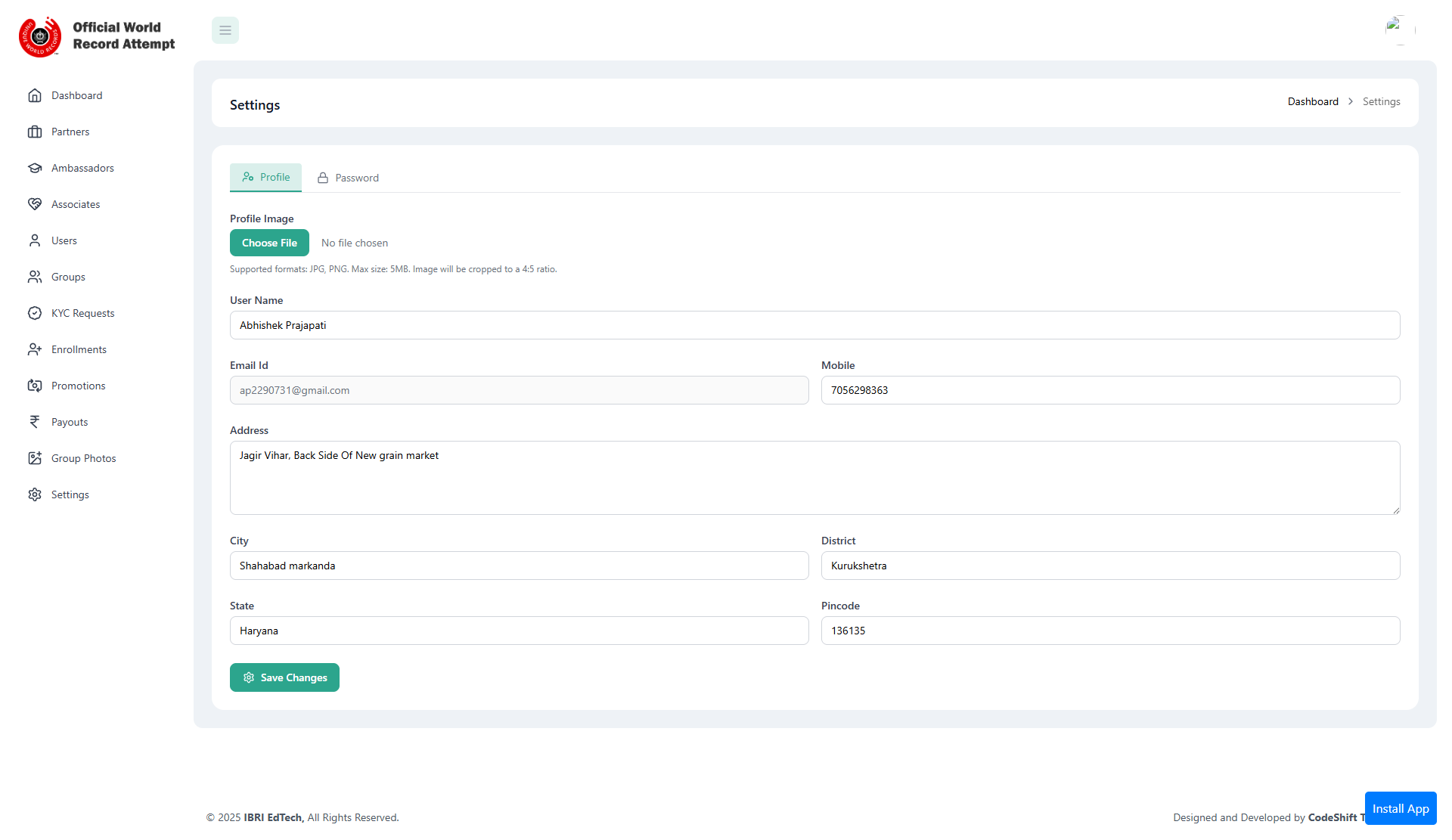
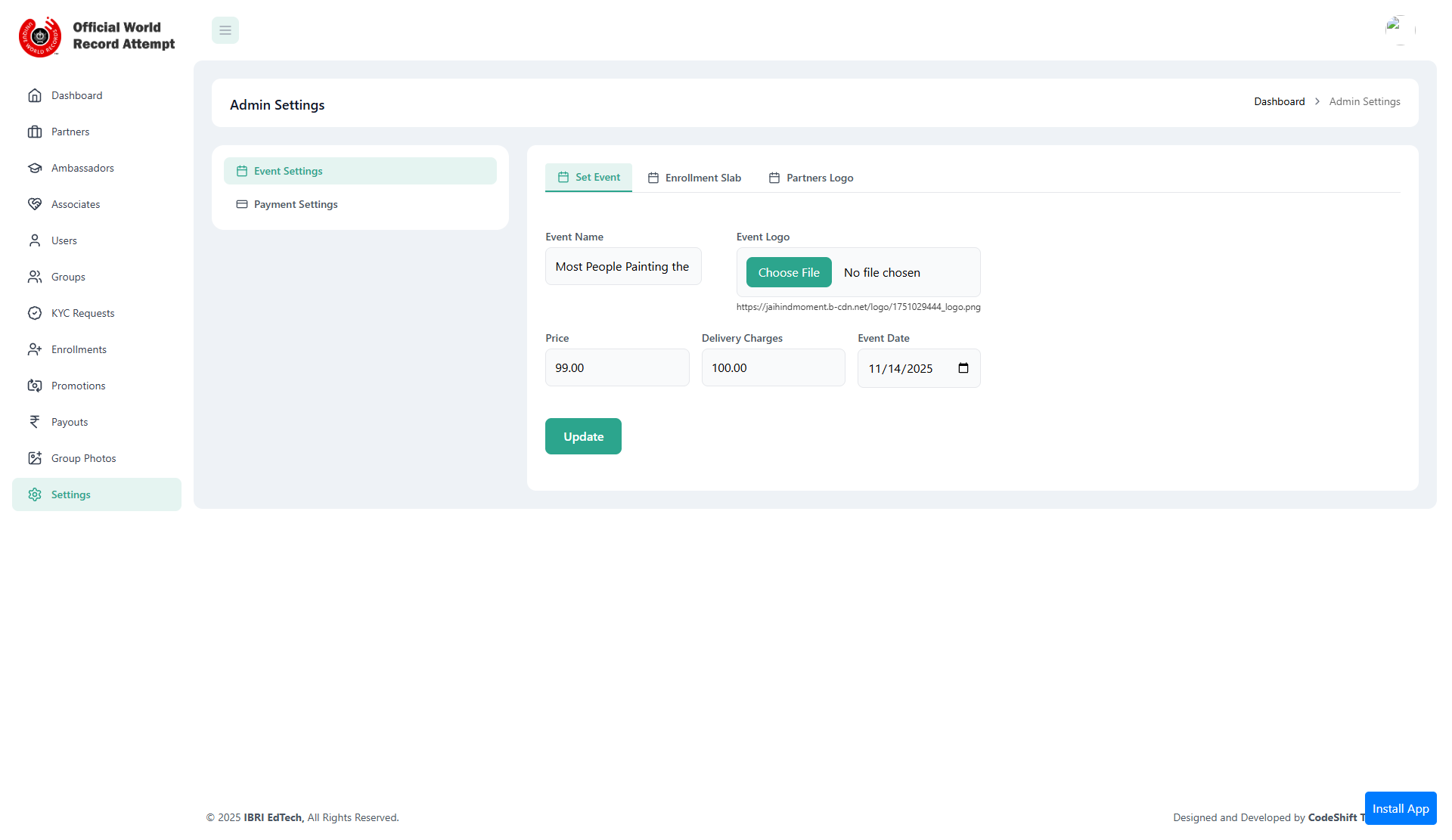
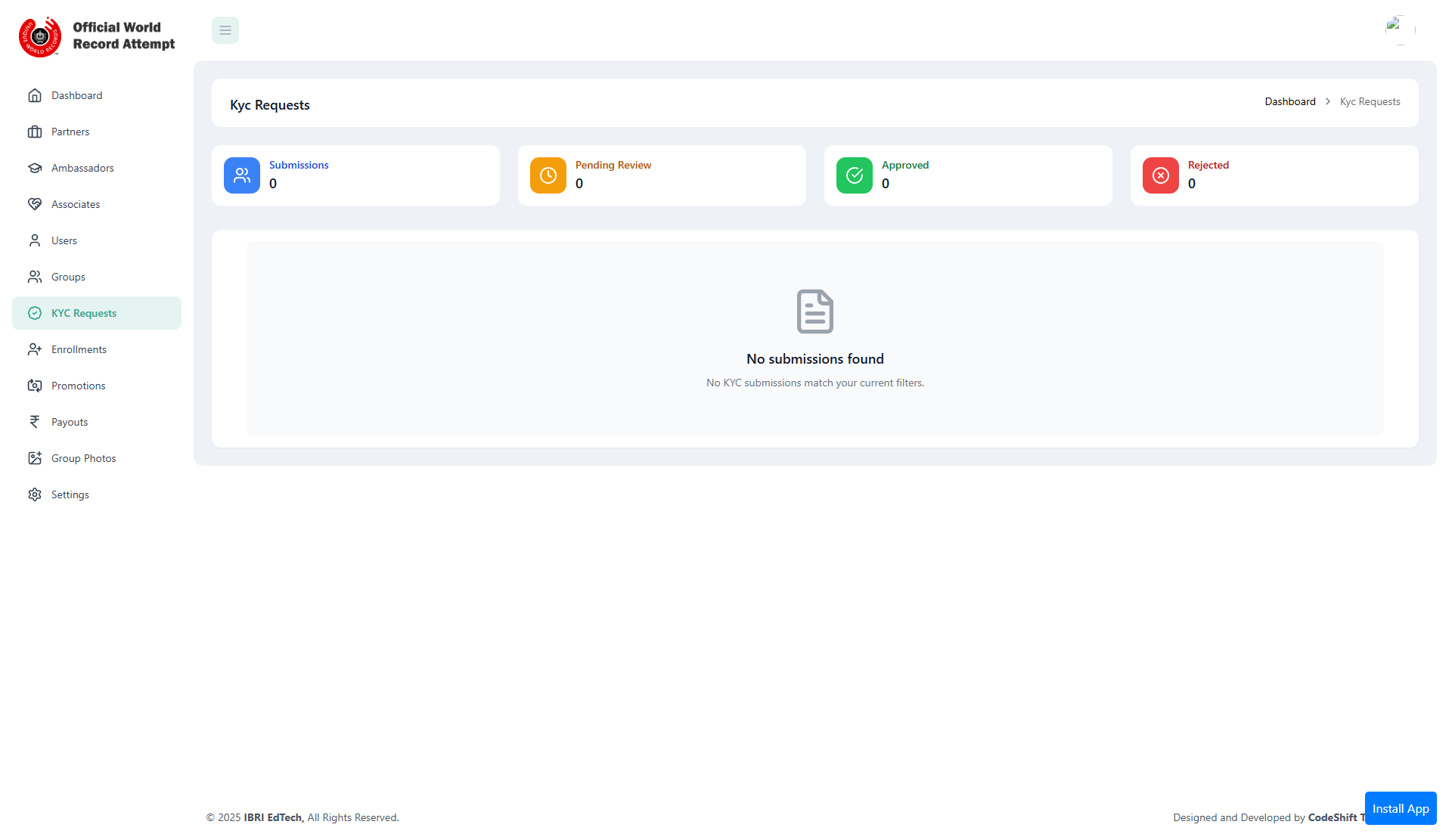
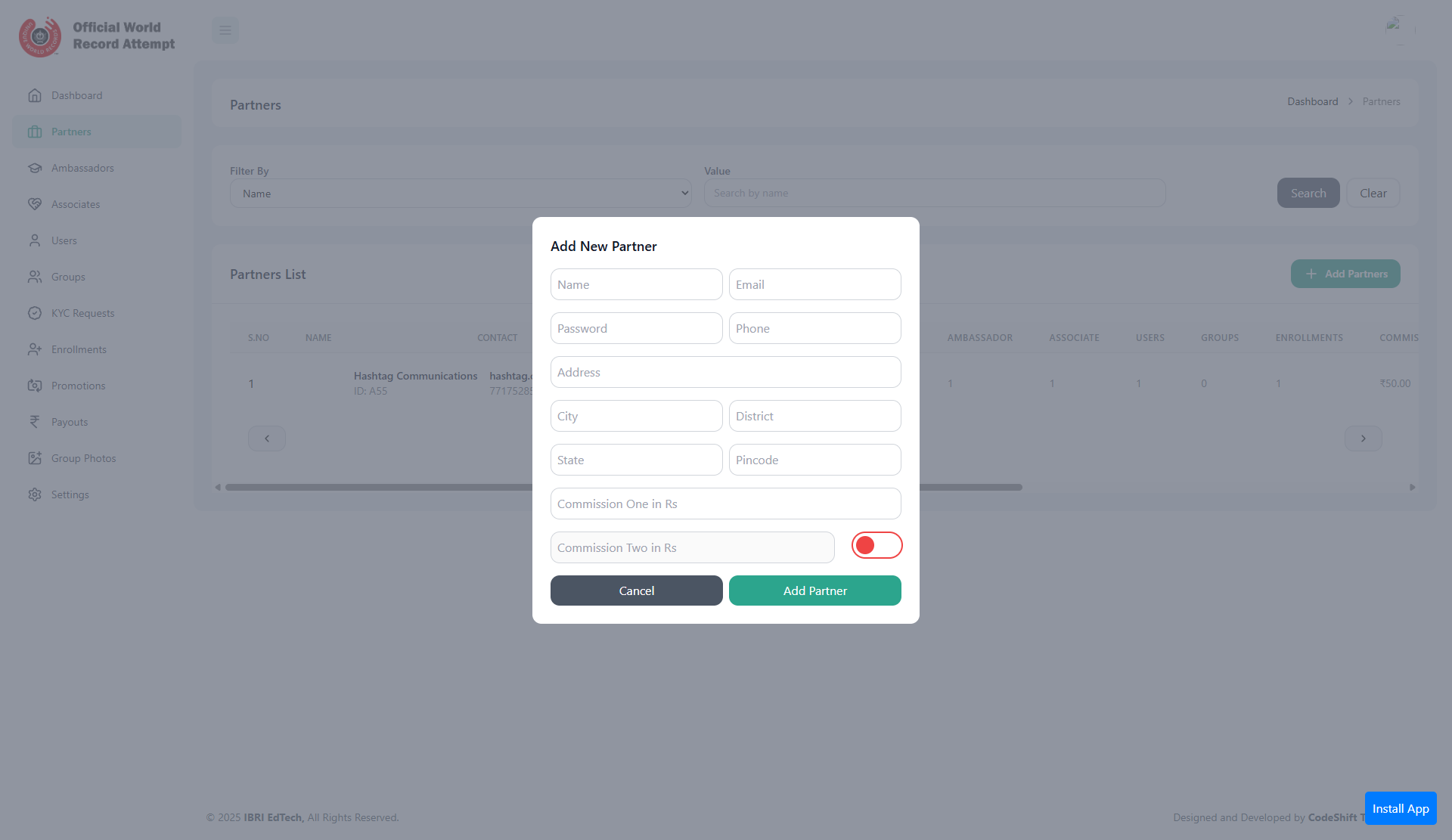
Project Overview
The Event Management Portal is an enterprise-grade web platform for organising, managing, and monetising events at scale. Unlike simple event listing tools, this platform was designed from the ground up to handle the complex stakeholder ecosystem of large events: organizers, sponsors, on-ground ambassadors, associates, user groups, and individual attendees — each with distinct operational needs and data access requirements.
The platform handles the full event lifecycle: creation → promotion → registration → payment → attendance → reporting. Every stage has automation built in, reducing the manual workload on organizers while providing real-time data visibility across all roles.
The 6-Role Dashboard Architecture
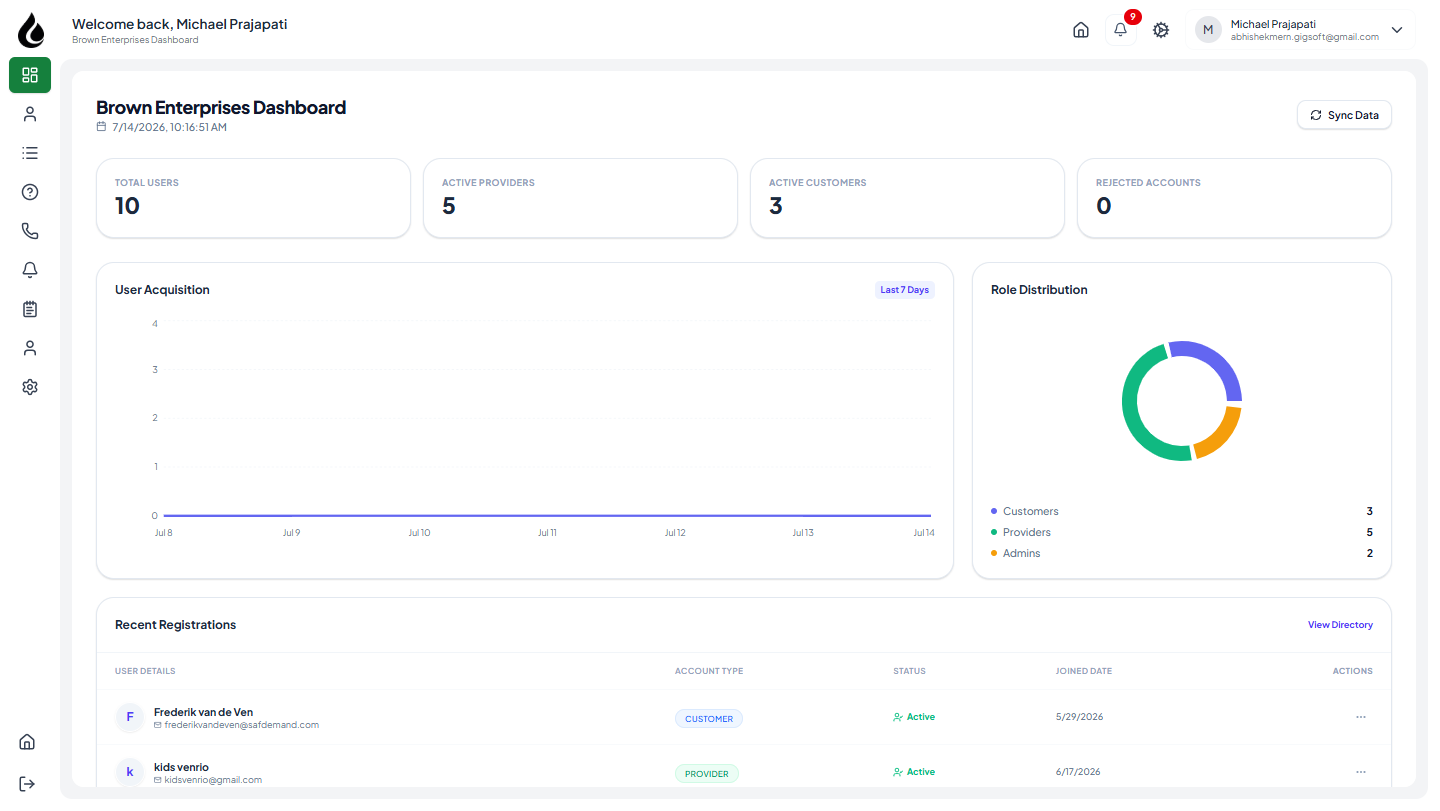
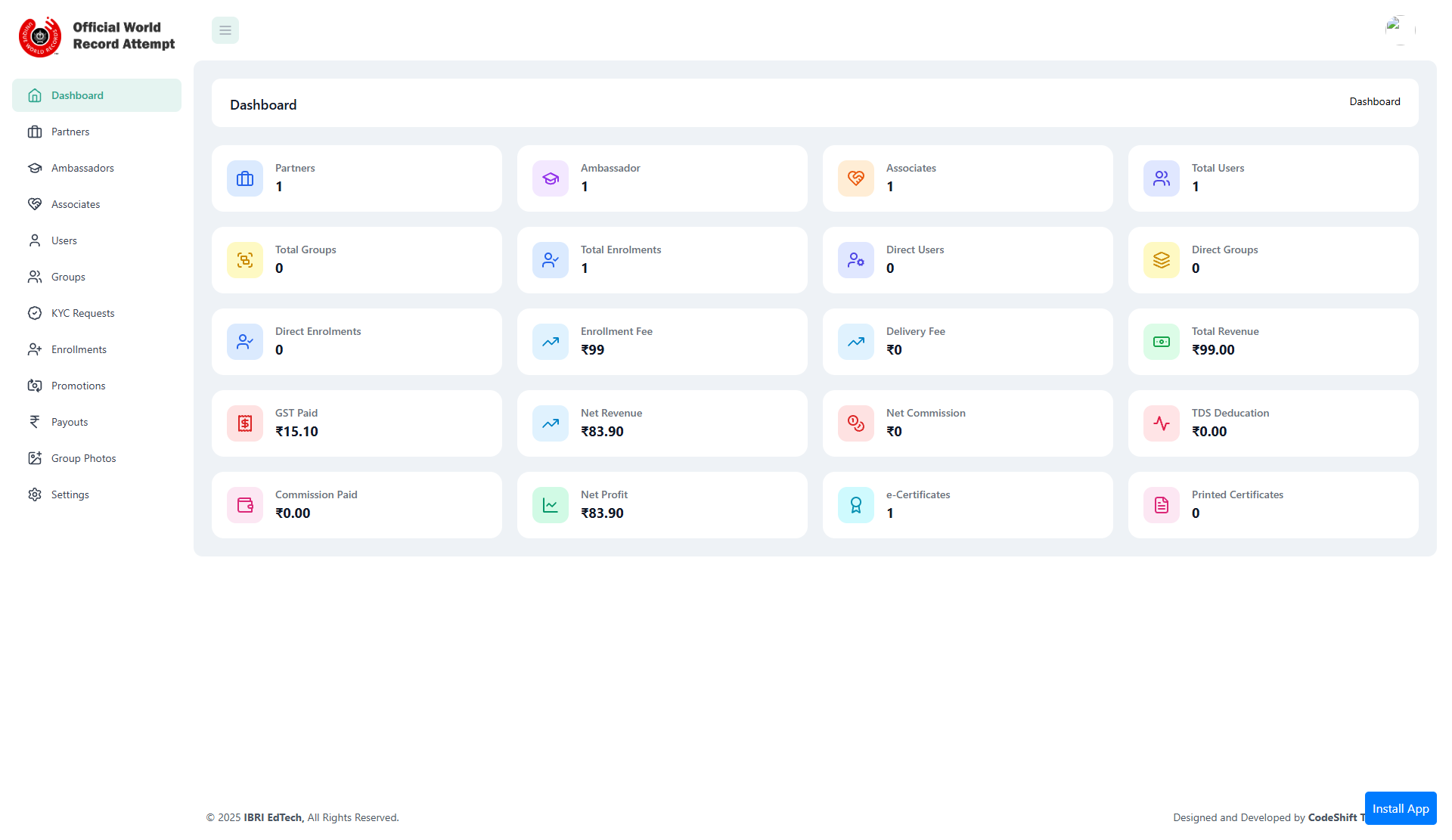
The platform's defining technical characteristic is its unified React SPA with conditional rendering based on the authenticated user's role. A single codebase serves six completely different operational interfaces, avoiding the maintenance burden of six separate applications.
Admin
Full platform control: event management, user oversight, revenue reporting, system configuration, and global analytics.
Partners
Sponsor and partnership management: co-branded event creation, lead capture from attendees, and ROI reporting.
Ambassador
Referral and promotion tools: unique registration links, commission tracking, and referred attendee analytics.
Associate
Event operations: check-in management, attendee communication, and session scheduling coordination.
Users
Attendee dashboard: event discovery, registration management, ticket downloads, and booking history.
Groups
Group registration management: bulk ticket purchases, member management, and group-specific event access.
Technical Architecture
RBAC Implementation with Laravel
Roles and permissions are stored in a normalised database structure using a roles, permissions, and role_permission pivot table pattern. Laravel middleware intercepts every API request and validates the authenticated user's role against the requested resource's permission requirement before any controller logic executes.
RBAC Middleware — Laravel
// app/Http/Middleware/CheckPermission.php

class CheckPermission
{
    public function handle(Request $request, Closure $next, string $permission): Response
    {
        $user = $request->user();

        if (!$user->hasPermission($permission)) {
            return response()->json([
                'message' => 'Insufficient permissions for this action.',
                'required' => $permission,
                'your_role' => $user->role->name,
            ], 403);
        }

        return $next($request);
    }
}

// Usage in routes/api.php
Route::middleware(['auth:sanctum', 'permission:manage-events'])
    ->group(function () {
        Route::apiResource('events', EventController::class);
    });

Route::middleware(['auth:sanctum', 'permission:view-analytics'])
    ->get('/analytics/revenue', [AnalyticsController::class, 'revenue']);
JWT Authentication Strategy
The platform uses JWT (JSON Web Tokens) for stateless authentication between the React SPA and Laravel API. On login, the server returns a signed JWT containing the user's ID, role, and permissions. The React client stores this in memory (not localStorage) for XSS protection and attaches it as a Bearer token on every API request.
Role-specific routing in the React SPA is enforced at the router level: protected routes check the decoded JWT role before rendering any component. This creates a second layer of access control complementing the server-side middleware, preventing unauthorized UI states even on direct URL access.
Event Registration Workflow
Registration follows a state machine pattern: draft → open → closed → completed. Each state transition triggers automated actions via Laravel jobs and queues:
Registration Workflow — Event State Machine
// app/Models/EventRegistration.php

class EventRegistration extends Model
{
    use HasStateMachine;

    protected array $states = ['pending', 'confirmed', 'cancelled', 'attended'];

    public function confirm(): void
    {
        $this->transitionTo('confirmed');

        // Dispatch async jobs via Laravel Queue
        GenerateTicketPDF::dispatch($this);
        SendConfirmationEmail::dispatch($this);
        NotifyOrganizer::dispatch($this);

        // If ambassador referral, trigger commission calculation
        if ($this->referred_by) {
            CalculateAmbassadorCommission::dispatch($this);
        }
    }
}
Stripe Payment Integration
Ticket purchases use Stripe Payment Intents for reliable payment processing. The Laravel backend creates a Payment Intent server-side and returns the client_secret to the React frontend, which completes the payment using Stripe Elements. This keeps payment credentials server-side while allowing a seamless SPA checkout experience.
Automated email notifications — confirmation, reminder 24 hours before event, and post-event feedback request — are dispatched through Laravel's mail system using queued jobs, ensuring they don't block the API response.
Key Technical Challenges and Solutions
Challenge 1
Six roles with overlapping but distinct permission sets created a risk of permission creep and inconsistent enforcement — especially for Partner and Ambassador roles that needed scoped access to specific events they were associated with, not all events.
Solution
Implemented resource-scoped permissions: a event_user_access pivot table links users to specific events with their role. The RBAC middleware checks both the user's global role AND their event-specific access record. This enables an Ambassador to manage their assigned events without seeing any other events in the system.
Challenge 2
Group registrations needed to support bulk purchases — one buyer, multiple attendees — while still generating individual tickets and tracking attendance per person, not per transaction.
Solution
Separated the Payment record from the Attendee records: one Stripe payment creates one Transaction, which then spawns N individual Registration records (one per attendee). Each registration gets its own QR ticket. The Group dashboard shows the organiser all member registrations under their group transaction.
Project Info
Tech Stack
framework