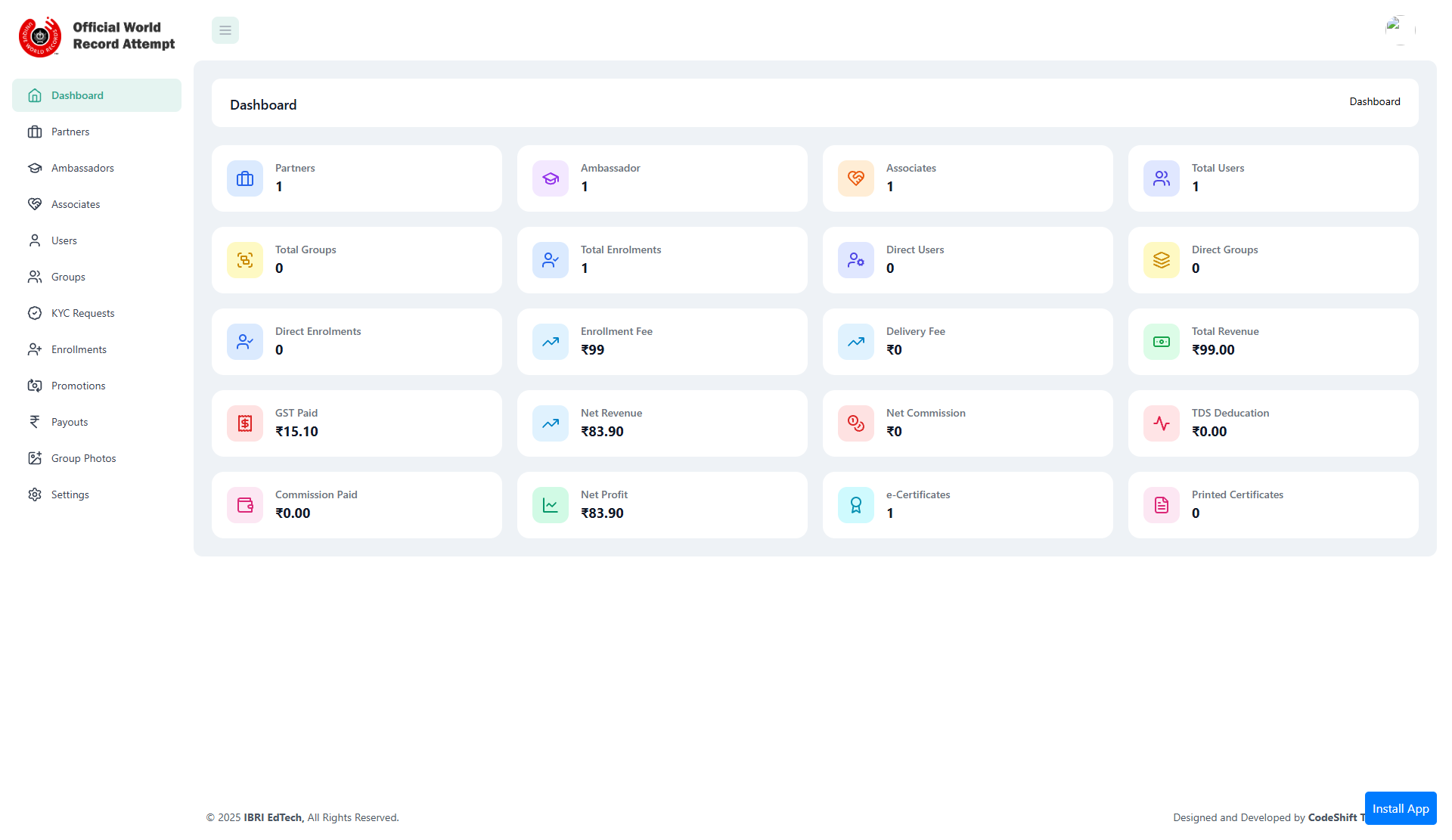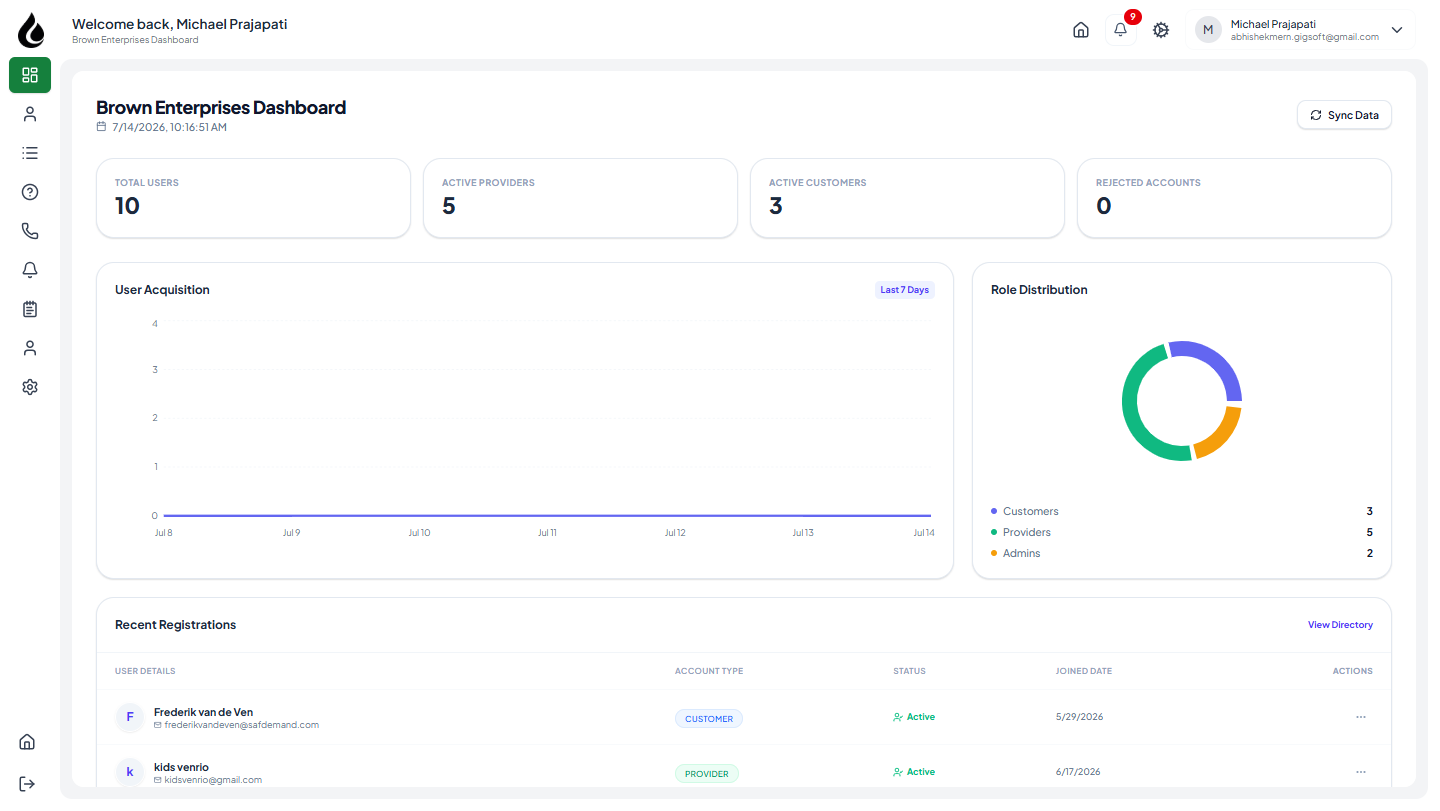
EverNorth — CMS-Driven Website Platform with Full Admin Control
A headless-style CMS platform where every page, section, and piece of content is database-driven and manageable through a React admin panel — no code deployments required for content updates. Live at evernorth.ca.



Project Overview
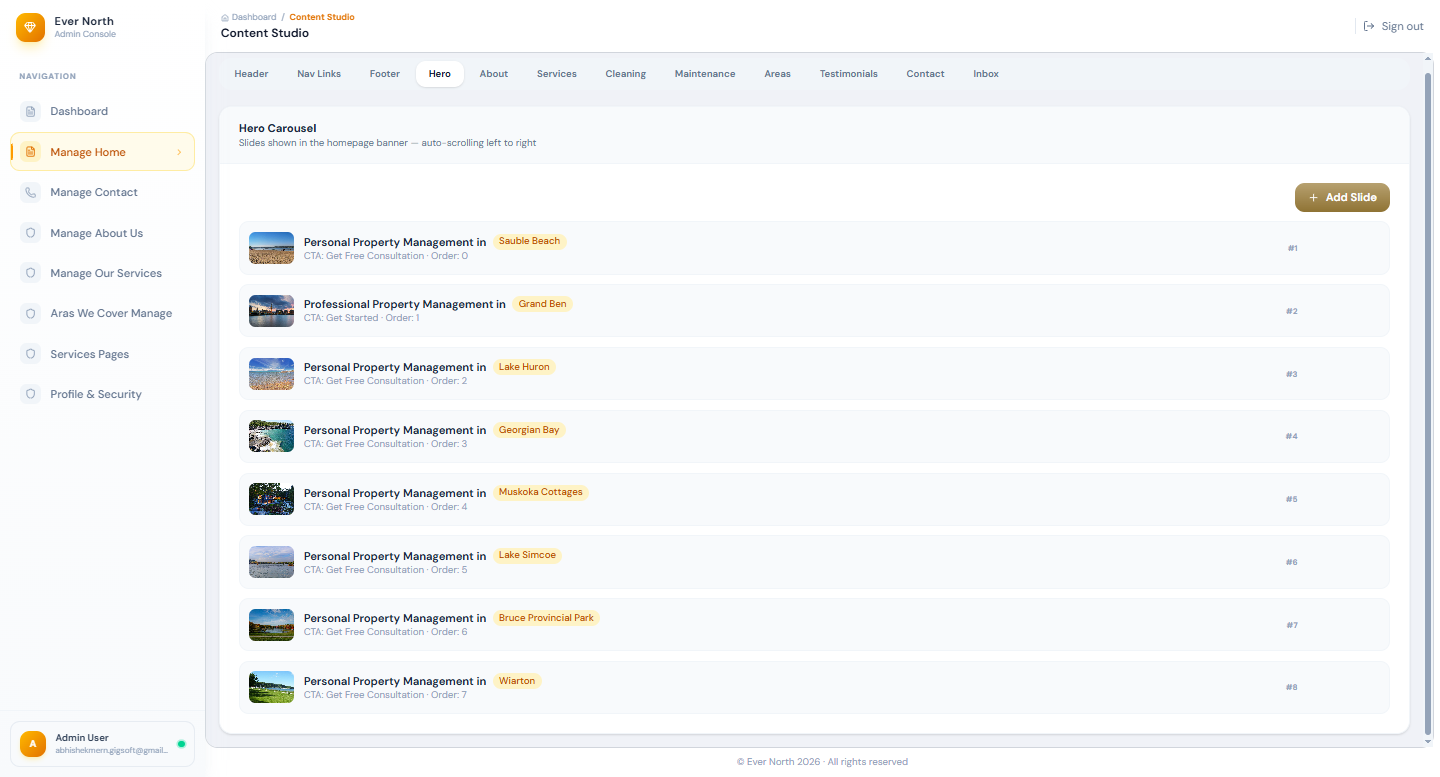
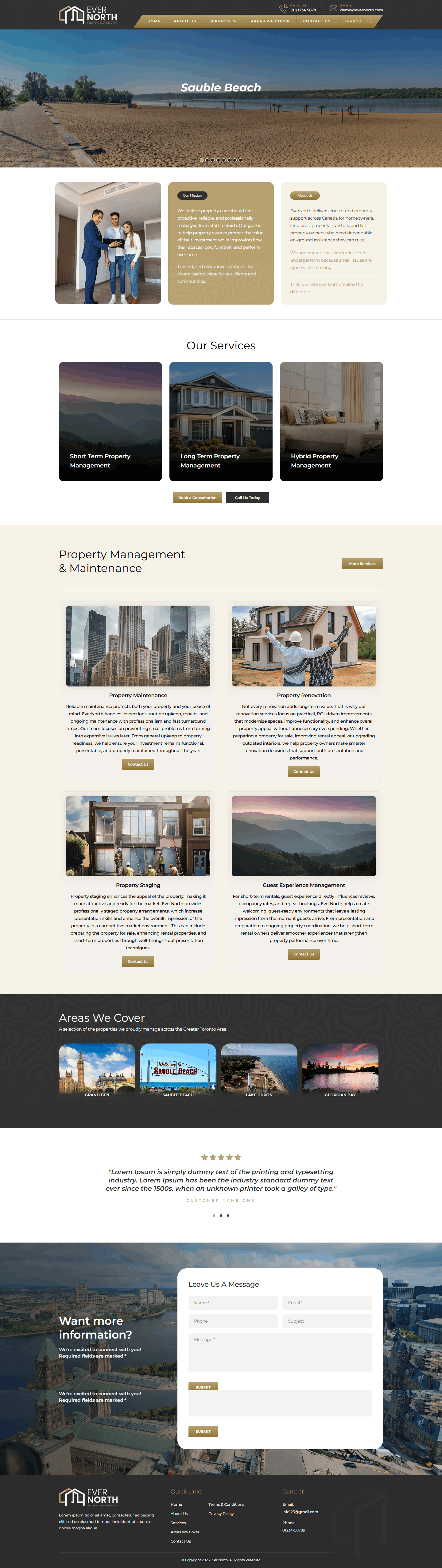
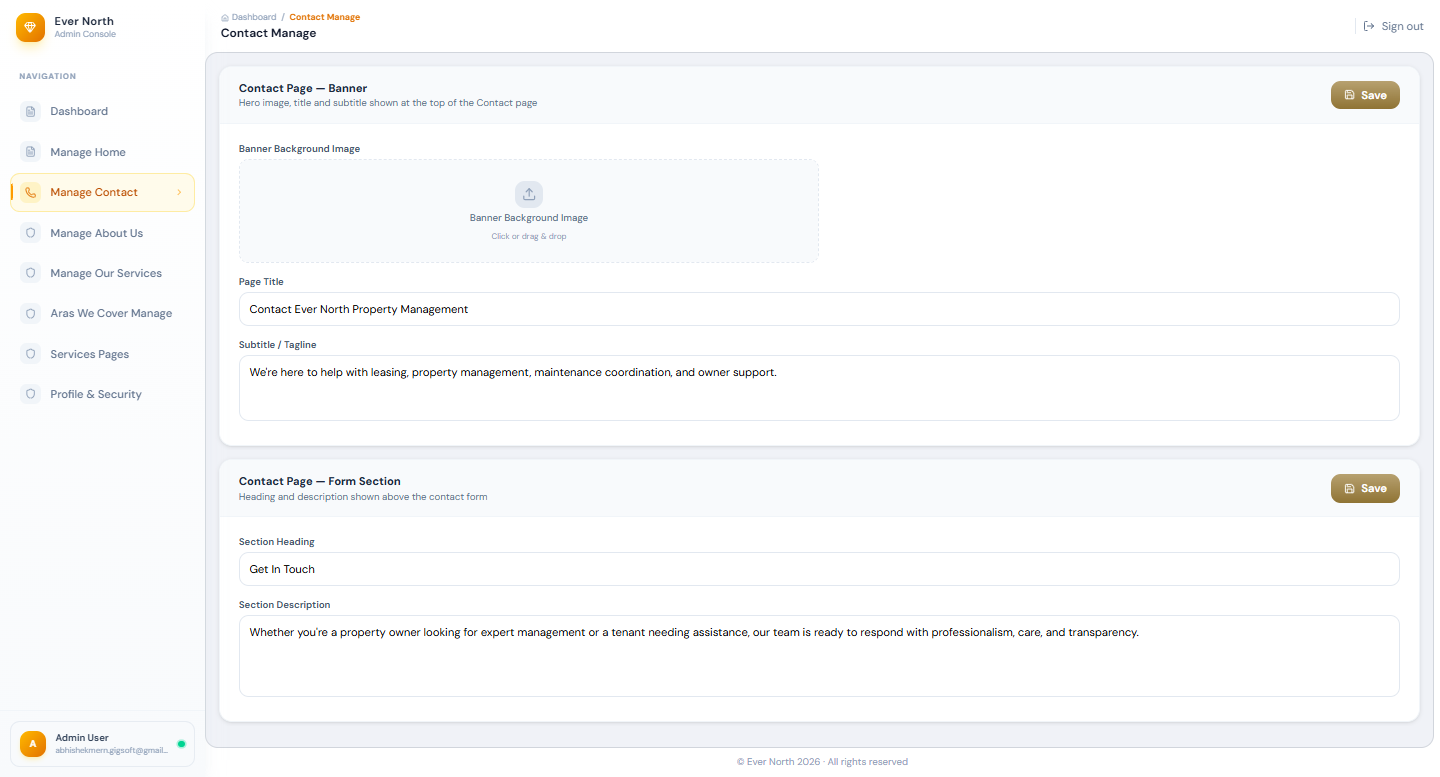
EverNorth is a fully database-driven website platform where the entire site — pages, navigation, content sections, SEO metadata, and media — is managed through a purpose-built React admin panel. The client needed a professional website that their non-technical marketing team could update independently, without relying on a developer for every content change.
Rather than installing WordPress or a SaaS website builder (which would have introduced vendor lock-in and limited customisation), I built a custom CMS tailored exactly to the client's content model: the data structure matches how they actually think about their content, and the admin UI exposes only the operations they need.
Core CMS Features
Real-Time Content Management
Page sections, text, images, and CTAs update instantly via the admin panel — changes reflect on the live site without any deployment.
Per-Page SEO Controls
Every page has an SEO settings panel: custom title tag, meta description, canonical URL, Open Graph image, and robots directive — all manageable without code.
Multi-User Authoring
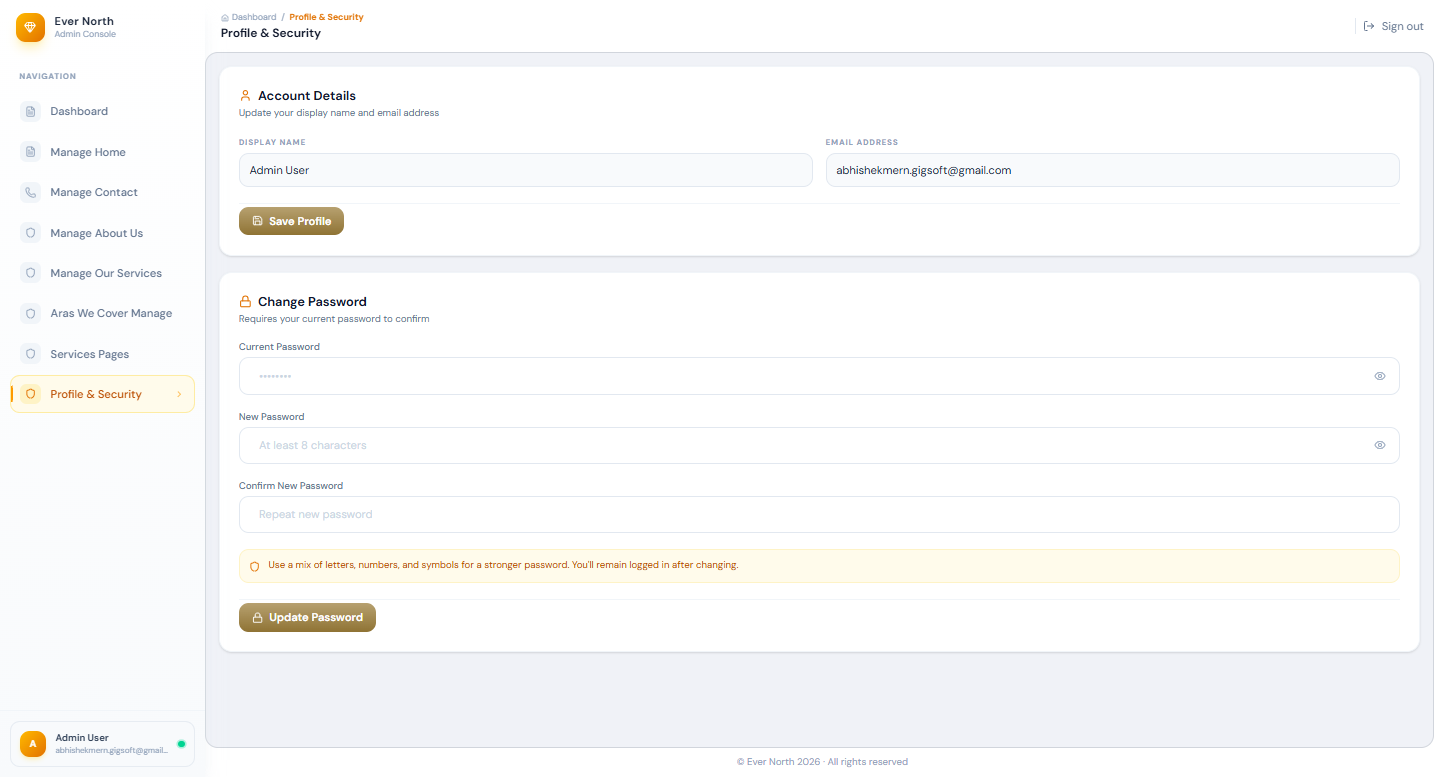
Multiple content authors with role-based permissions. Editors draft and preview, while Publishers approve and push live.
Database-Driven Page Generation
New pages are created through the admin panel and rendered dynamically — no static file changes or server restarts required.
Media Library
Centralised image and document upload with automatic resizing, WebP conversion, and CDN delivery.
Content Analytics
Page view tracking and content performance metrics built into the admin dashboard — no third-party analytics account required for basic data.
Technical Architecture
Database-Driven Page Rendering
Every public-facing page is rendered from a MySQL schema that models pages as a collection of ordered content sections. Each section has a type (hero, feature list, testimonial, CTA, etc.), associated content fields, and display order. The React frontend fetches the page's section data from the Node.js API and renders the appropriate component for each section type.
This architecture means adding a new page to the site is entirely an admin action — no code is written or deployed. The admin creates a page record, adds sections, populates content, and publishes.
Dynamic Page Rendering — React Component
// components/DynamicPage.jsx

const SECTION_COMPONENTS = {
  hero:         HeroSection,
  features:     FeaturesSection,
  testimonials: TestimonialsSection,
  cta:          CtaSection,
  content:      ContentSection,
  team:         TeamSection,
};

export default function DynamicPage({ slug }) {
  const { data: page, loading } = usePage(slug);

  if (loading) return <PageSkeleton />;
  if (!page)   return <NotFound />;

  return (
    <>
      <SEOHead
        title={page.seo_title}
        description={page.meta_description}
        canonical={page.canonical_url}
        ogImage={page.og_image_url}
      />
      {page.sections
        .sort((a, b) => a.display_order - b.display_order)
        .map(section => {
          const SectionComponent = SECTION_COMPONENTS[section.type];
          return SectionComponent
            ? <SectionComponent key={section.id} data={section.content} />
            : null;
        })}
    </>
  );
}
SEO Management in the Admin Panel
The SEO panel was a deliberate design decision: rather than hard-coding meta tags in template files, all SEO metadata is stored in the database and injected server-side on page render. This allows the marketing team to A/B test titles, update meta descriptions for seasonal campaigns, and correct SEO issues without involving a developer.
Server-Side SEO Injection — Node.js
// routes/pages.js

app.get('/:slug', async (req, res) => {
  const page = await db.query(
    `SELECT p.*, s.title as seo_title, s.meta_description,
            s.canonical_url, s.og_image_url, s.robots_directive
     FROM pages p
     LEFT JOIN page_seo s ON s.page_id = p.id
     WHERE p.slug = ? AND p.status = 'published'`,
    [req.params.slug]
  );

  if (!page) return res.status(404).send(renderNotFound());

  // Inject SEO into HTML template before serving
  const html = buildHtml({
    title: page.seo_title || page.title,
    metaDescription: page.meta_description,
    canonical: page.canonical_url || `https://evernorth.ca/${page.slug}`,
    ogImage: page.og_image_url,
    robots: page.robots_directive || 'index, follow',
  });

  res.send(html);
});
Key Challenge
Challenge
The client's content team needed to preview page changes before publishing — but a full draft/publish system for database-driven pages without a staging environment risked showing in-progress edits to live visitors.
Solution
Implemented a preview token system: draft pages are only rendered when a request includes a valid, time-limited preview token in the query string (?preview=TOKEN). The admin panel's "Preview" button generates this token and opens the live URL with it — so editors see exactly what the page will look like in the real browser environment, without it being accessible to regular visitors.
What I Learned
Building a custom CMS reinforced that the best CMS for a client is the one that matches how they think about their content — not the most popular one. WordPress would have been faster to deploy but slower for the client to use, because their content model doesn't fit WP's post/category/taxonomy paradigm. A custom CMS built around their actual workflow eliminated training overhead and content errors.
Q: Why build a custom CMS instead of using WordPress or a headless CMS like Contentful?
The client's content structure didn't fit WordPress's post-centric model. A custom CMS allowed the data schema to exactly match their content types, and the admin UI to expose only the operations they actually need — reducing cognitive overhead and content errors for a non-technical team.
Q: How are SEO metadata updates reflected on the live site?
All SEO metadata is stored in MySQL and injected server-side on each page request. Updates in the admin panel take effect immediately — no cache clearing or redeployment is needed.
Project Info
Tech Stack
framework